It can be tedious and time-consuming to manage social media manually. Other brands are working smarter and faster on social media as you’re creating posts, replying to comments and planning your content.
To achieve success in today’s business environment, it is crucial to use the best automation software and best social media tools available to save time, be consistent, and grow rapidly. The mentioned above automation and social media tools have been developed especially for modern businesses, helping to create content, schedule posting, track activity, and manage multiple social media channels easily.
AI doesn’t aim to replace human creativity but only enhances it. With AI support, you can create an outstanding social media profile, make good content, and run effective campaigns with the best AI social media tools.
Here, you will get to know everything about the best AI social media management tools, including how they work and how they can help your business. Moreover, you will learn how to choose the best one for yourself.
Are you interested in social media management tools? Let’s get started!
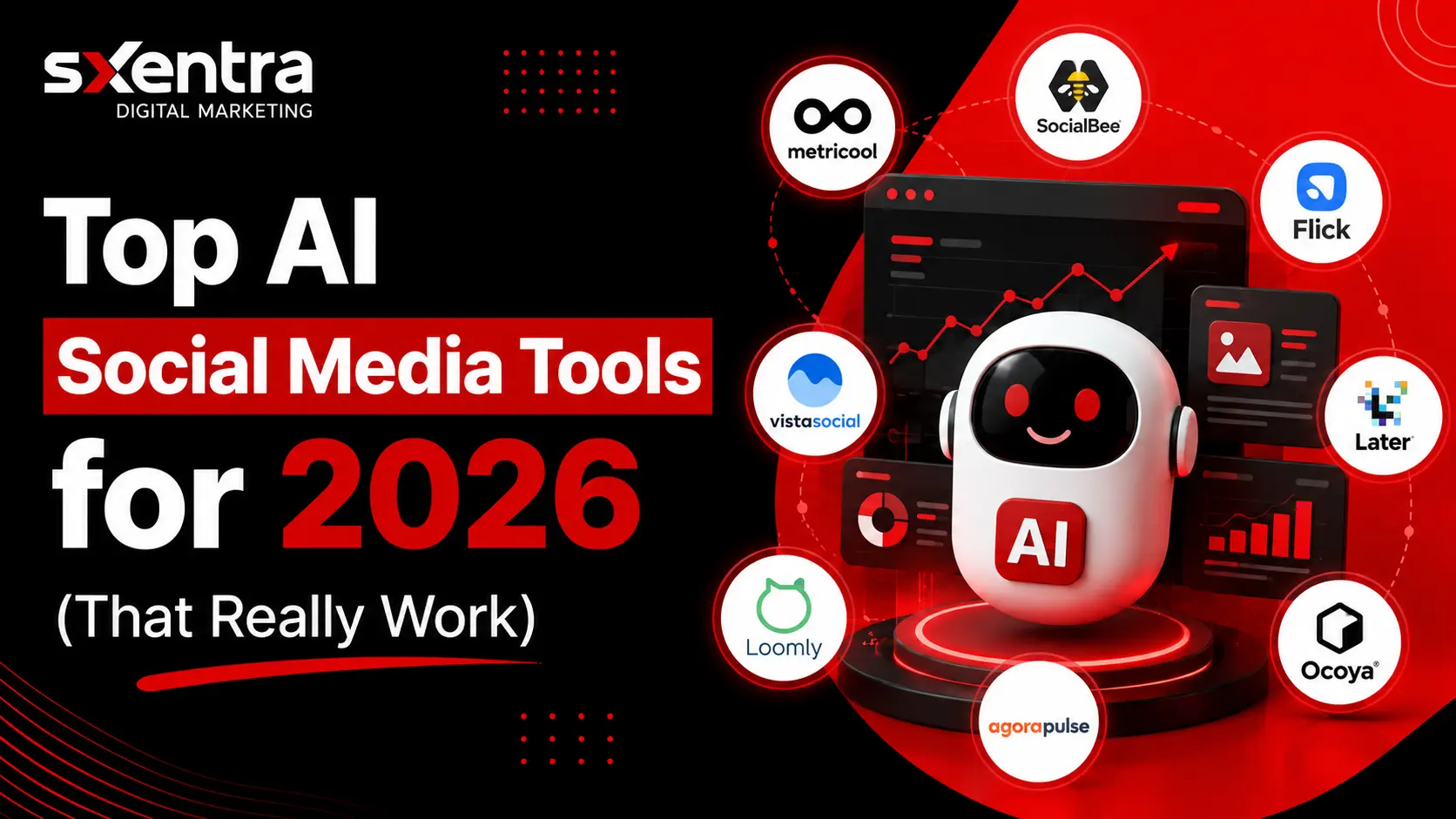
Top AI Social Media Tools You Should Know About
Having learned about the effect of AI on social media management, it is obvious that you may use these tools in order to facilitate your work. Now that you know about the importance of AI in social media management, it is high time to review the various SMM AI tools that can assist you in easing your tasks.
Not only do these platforms allow users to schedule posts; they represent full-featured AI-based tools for the development of content on social media.
These top social media tools can help you save time regardless of whether you are a freelance, marketer, or agency.
| Tool | Best For | Main Benefit | Starting Price |
| Metricool | Analytics & Reporting | Track performance and monitor competitors in one place | Free (Paid plans from $18/month) |
| SocialBee | Content Automation | Organize and recycle content automatically | $29/month |
| Flick | Content Growth | AI captions and smart hashtag suggestions | $14/month |
| Later | Visual Content Planning | Easy drag-and-drop scheduling for social media feeds | Free (Paid plans from $16/month) |
| Ocoya | AI Content Creation | Create posts, graphics, and marketing content faster | $59/month |
| Agorapulse | Community Management | Manage messages, comments, and audience interactions | $79/user/month |
| Loomly | Team Collaboration | Content approvals and brand management features | $42/month |
| Vista Social | Workflow Automation | Publishing, monitoring, and review management tools | $79/month |
These AI social media tools all have different features—some focus on content creation, others on analytics, automation, or team collaboration. What you choose depends on what you need, your budget, and the size of your business.
The Best AI Tools to Boost Your Social Media Marketing
Brands are transforming their strategies for audience engagement supported by AI. These social media AI tools aren’t just about getting attention; they help businesses make money from marketing as well.
They can help you to work smarter, save time, and improve your online presence. These AI tools can do much more than that when it comes to content creation to performance tracking.
1. Metricool

Metricool is a social media management software that’s really easy to use. Using it, companies can schedule, manage and monitor their social media campaigns from a single source.
Schedule posts, view performance & track audience response, all with ease. Also, it allows you to observe and learn about the competition, and what works for them.
The capabilities of Metricool in the realm of AI in social media marketing can be a game-changer for marketers and brands. It provides information to assist in better planning and decision making. Oh, and its analytics dashboard is so user-friendly that complex data is easily understandable, which can help take your social media strategy to the next level.
Key Features
- Multi-platform post scheduling
- Generate reports and analyze social media data
- Competitor performance tracking
- Content planning and automation
- Engagement and audience insights
Pricing
- Free Plan Available
- Paid Plans are around $18/month
Pros & Cons
| Pros | Cons |
| Easy-to-use dashboard | Advanced features are only available with a paid plan |
| Works with various social media sites | Lower plans only have limited customisation options |
| In-depth analytics and performance reports | The learning curve is for a complete beginner |
| Competitor tracking feature | Certain integrations can be made available in just premium plans |
| Offered at a small business friendly price | Free plan will have some features restricted |
2. SocialBee
SocialBee is a social media management tool which enables companies to stay organized and post on social media regularly. Perfect solution for brands, marketers, and agencies looking to streamline their content management.
It has a wonderful feature of content categorization and can provide one to categorize posts and make them automatic to be published. This simplifies the task of having a good balance of content without spending hours to plan content by hand.
Additionally, SocialBee has social media AI tools to create content, including social posts, posts ideas, and captions, without losing the brand message. It is an excellent tool for automation and a streamlined workflow, which helps businesses take their social media marketing efforts to the next level.
Key Features
- Category-based content scheduling
- Evergreen content recycling
- AI-powered content generation
- Social media automation processes
- Multi-platform publishing
Pricing
- Plans start at approximately $29/month
Pros & Cons
| Pros | Cons |
| Completely categorized content for easy organization | The free plan will be offered for a limited time |
| AI tools boost content creation | Advanced options may come with a high price tag for small companies |
| After you’ve set up posting with Evergreen it will save you time | For new users it may be difficult to navigate around Interface |
| Uses more than one social media site | While some of the competitors offer as much analytics as you need, this is not the case here |
| Great automation and scheduling capabilities | To achieve the higher tiers of some of the integrations, other plans would need to be added |
3. Flick

Flick is this AI-powered social media marketing tool, but it’s built more for creators, influencers, and even smaller companies who just wanna grow their online presence without getting overwhelmed. The whole idea is to make content discovery easier—like helping you find the right hashtags, write posts that don’t suck, and see how your stuff is actually doing.
The platform uses their AI to generate social media captions based on your niche, your audience, and whatever content goals you’ve got in mind. Their hashtag research is pretty solid too—it finds relevant and trending hashtags, which can boost your visibility and get more people engaging with your posts.
Flick also gives you performance insights and some content planning tools. So you can put together a better social media strategy without guessing all the time. Honestly, if you’re a marketer trying to grow an audience and get your content seen more, Flick’s a pretty good option.
Key Features
- AI-powered caption generator
- Advanced hashtag research
- Social media performance tracking
- Content planning and scheduling
- Audience growth insights
Pricing
- Plans start at approximately $14/month
Pros & Cons
| Pros | Cons |
| Powerful hashtag research tools | Social media management capabilities are kind a limited |
| AI-generated captions save a ton of time | Not as comprehensive as some competitors out there |
| Affordable price so creators and smaller businesses can actually buy it | Supports fewer platforms compared to all-in-one tools |
| The higher-tier plans give you better features for a smoother experience | Might not be the best fit for big teams that need advanced collaboration features |
| Helps improve content reach and discoverability | |
| Easy-to-use interface |
4. Later

Later is basically a social media management tool made for brands, creators, and businesses that really care about visual content. It helps you plan, organize, and arrange your posts so your social media presence stays consistent and actually looks good.
One of their most popular features has to be the visual content planner. It lets you see what your feed will look like on social media before you even post anything. That’s super helpful for platforms like Instagram and TikTok, where if it doesn’t look nice, people just scroll past.
They also have AI-driven caption suggestions, content scheduling tools, and a media library to keep your photos and videos from turning into a mess. Plus there’s this link-in-bio thing which is great for sending traffic from your social profiles to your website, a product, or a landing page. For brands that focus on storytelling through visuals, Later gives you a decent mix of creativity and getting stuff done.
Key Features
- Visual feed planner
- Manage all media library and assets
- Link-in-bio tools
- AI-generated caption suggestions
- Scheduling and publishing content on social media
Pricing
- Free Plan Available
- Paid Plans start at approximately $25/month
Pros & Cons
| Pros | Cons |
| Great visual content planning apps | For advanced analytics, you need higher tiers of plans |
| Perfect for Instagram and TikTok marketing | The free plan has a limited number of features |
| Easy-to-use drag-and-drop interface | May be costly for expanding teams |
| Built-in link-in-bio functionality | Less competitive research & development focus |
| AI caption suggestions help save time | Some of the automation features are limited when compared to the competition |
5. Ocoya
Alright so Ocoya is this AI-powered social media tool that’s built for quick content creation and publishing. It’s really meant for people who want to put out a lot of content in a short amount of time without stressing too much over the styling or writing part.
The platform basically gives you everything in one spot—copywriting, graphic design, and post scheduling all together. So you can write engaging social media captions, make some visual content, and publish posts across different platforms without hopping between a bunch of apps.
Ocoya is especially useful for businesses running ads, promotions, or ecommerce campaigns. It’s got AI features that help speed up content creation while keeping your workflow from getting too messy. If you wanna grow your social media marketing without buying ten different tools, this is a pretty solid option.
Key Features
- AI-generated captions and visuals
- Ready-made design templates
- Automation tool for scheduling social media
- Integrating eCommerce and marketing
- Campaign creation tools
Pricing
- Plans start at approximately $15/month
Pros & Cons
| Pros | Cons |
| A very quick content creation procedure | There is limited design customization |
| All-in-one platform (writing, design, scheduling) | May seem elementary for higher level marketers |
| Great for e-commerce and ads | The Free plan will have limited features |
| The ease of posting has been improved | Must have internet access for all functions |
| Affordable pricing | Less sophisticated than the competition |
6. Agorapulse

So Agorapulse is a social media management platform that’s really focused on helping you streamline communication and engagement. Like, it centers mostly on managing conversations—helping brands reply to messages, comments, and mentions in a way that’s actually organized and not chaotic.
This tool is especially handy for teams and agencies that work on social media together. It gives you a defined workflow for content approval, editing, and scheduling, which makes collaboration way easier and more efficient.
Along with that, Agorapulse offers some AI capabilities to help enhance your social media posts and get better content performance. It helps keep things consistent during publishing, so the brand can hold onto a stable online presence without slipping.
One more thing—it’s got this single inbox where all your social messages get gathered together. Plus social listening and analytics, so companies can monitor brand mentions, track what their audience is saying, and improve how they engage with people.
Key Features
- They will receive all messages in the same social inbox
- Social listening and brand monitoring
- Data collection, analysis and reporting
- Collaborate within teams and get approvals
- AI-assisted content optimization
Pricing
- Plans start at approximately $49/month
Pros & Cons
| Pros | Cons |
| Great for organization of engagement and conversation | May cost small businesses a lot of money |
| Effective team working and approval process | Beginning users might find Interface to be a bit complicated |
| A unified inbox will help you save time and respond faster | Additional services available in higher grades |
| The ability to use good analytics and reporting tools | Less concerned with producing content creatively |
| Reliable for agencies and growing teams | Needs to be properly set up |
7. Loomly
So Loomly is a social media management solution that’s built for teams who need a transparent and streamlined process. It helps companies structure their social media content in a way that can be planned, created, approved, and published without things falling through the cracks.
It’s especially useful for marketing teams and agencies where you’ve got several people all generating content. Loomly makes sure each post is well planned, edited, and approved before it ever goes live.
On top of that, Loomly includes some AI-powered tools to help you refine post ideas and optimize content for better engagement rates. The whole thing is made to keep social media campaigns well organized and consistent across all your platforms.
The content calendar is probably one of its biggest features—it lets users schedule posts ahead of time and have a clear posting schedule so you’re not guessing. It also gives you post previews, so you can see what the content will look like before it actually goes live.
Key Features
- A content calendar is used to plan and schedule content
- Approval workflow system for teams
- Use a preview to check that your post will be readable and understandable
- You can use basic analytics and performance metrics
- AI-assisted content optimization
Pricing
- Plans start at approximately $32/month
Pros & Cons
| Pros | Cons |
| Effective workflow and approval process | Some advanced analytics not provided |
| Ideal for group work | For more sophisticated marketers, Can feel can be the simplest of your favorite campaigns |
| Easy content planning with calendar view | The basic features of AI are present in some |
| Participates in regular posting times | It is not the best option for individuals who are creating on their own |
| Perfect for agencies and expanding teams | The number of integrations is less than that of competitors |
8. Vista Social

Vista Social is a full-featured social media management tool for businesses that want to manage and scale their social media presence from a single place. It kinda just bundles together publishing, analytics, engagement and automation tools into one system.
It’s a solid option for any growing brand or agency that wants more than just simple scheduling. It makes social media activities less of a mess, helps you handle content on several platforms easier, and boosts overall marketing efficiency.
Vista Social also has some AI-powered stuff for content optimization and workflow automation. It gives you a structure for team development of a social media marketing company. So handling bigger campaigns and multiple accounts? Yeah, that doesn’t feel impossible anymore.
Another plus is the engagement and monitoring it comes with. Users can follow people, reply to stuff, and handle reviews across different platforms — all from one single dashboard. No more logging in and out all day.
Key Features
- Multi-channel content publishing
- Automating social media processes
- Social listening and brand monitoring
- Maintain and uphold reputation, review
- You’ll be able to track production and analytics
Pricing
- Plans start at approximately $39/month
Pros & Cons
| Pros | Cons |
| All-in-one platform for publishing and engagement | May be overwhelming for newbies |
| Effective automation and workflow capabilities | Higher plans are needed for some advanced features |
| Perfect for growing businesses and agencies | The learning curve for the new users |
| Is compatible with a variety of social platforms | You may need to spend some time getting to know interface |
| The reviews and reputation management is included | For small creators, the price might be steep |
Choosing the Right Social Media Management Tool
So picking the right social media tool really just depends on what your business needs. Instead of signing up for every feature out there, it’s smarter to pick a platform that actually fits your goals, your processes, and where you see yourself going in the future.
Tools come in all sorts of varieties—analytics, automation, content creation, engagement, team collaboration, you name it. The table below should help you see which tool is recommended for each use case in 2026.
| Strategic Goal | Best Choice | Why It Works in 2026 |
| Deep Analytics | Metricool | In-depth cross-platform analytics and competitor tracking in a single location |
| Smart Automation | SocialBee | Groups text into sections and continues to post consistently with evergreen scheduling |
| Growth & Hashtags | Flick | Driven by hashtag research and insights for growth based on trends |
| Visual Content Planning | Later | Ideal for creating attractive posts using a drag-and-drop feed preview |
| Content Creation | Ocoya | Captions, designs and posts generated efficiently with AI |
| Active Engagement | Agorapulse | Unified inbox streamlines managing messages and prioritizing responses effectively |
| Team Workflows | Loomly | Effective approval processes and effective team working structure |
| Full Automation | Vista Social | Schedule, engage, and automate at scale all in one platform |
Not every tool has to be the “best” one out there. It’s really about what works for you and your workflow, and what helps you stay consistent over time.
Some companies go a step further and bring in more advanced AI marketing services to really fine-tune their social media platforms. End result? Better efficiency, automating the complicated stuff, and building a real competitive advantage. Simple as that.
A Final Tip Before You Go
Look, the brands that are successful these days aren’t the ones with the most content. They’re the people creating intelligent systems with AI social media solutions. These tools just make it easier, more consistent, and repeatable to actually create content.
The key issue isn’t really about visibility anymore. There’s plenty of ways to get most brands seen online. The hard part is scale. But if creativity doesn’t have a system behind it, honestly it’s not gonna work.
Just staying consistent is so 2010 at this point. You don’t have to wish for consistency. It’s something you actually create. And that’s where AI tools for social media marketing come in handy. They’re not a replacement for strategy. They just help you stick to it better.
So keep it simple.
Pick one social media management tool that fits how you work. Not the popular one. Not the flashy cutting-edge thing. Not something super sophisticated. Just whatever actually works for what you do.
Then use it enough so you build a nice system around your content. Over time, your content starts to feel more structured and purposeful.
After that? You’re good. You create faster. Your head feels clearer. And the results just come out more consistent and reliable.
AI tools aren’t just about making content. Its direction. They help you move forward instead of guessing and trying random stuff.
When everyone’s posting and doing the same thing, you see it everywhere. Control? That’s rare.
Take control of your thoughts. Decide how you want to work. Control your growth.
The brands that build that kind of control will stay relevant on social media. They’ll keep growing and stay ahead.
That’s the true benefit.
Frequently Asked Questions
So look, if you run a small business and you're short on time, you honestly don't need those fancy complicated tools. You just need one thing that helps you plan, schedule, and handle everything in one place. A few tools that are often better for this are Metricool, Later, Vista Social, etc.—they simplify stuff like content planning, scheduling, and tracking all from one dashboard.
If you're just looking at price, tools like Ocoya usually have the lowest starting price option. But low-cost tools don't always get the job done. Because if you're still spending hours manually making your posts, then you're not really saving money—you're saving on the subscription but losing your time.
No. They might look the same on the surface but they're really not. For example: SocialBee focuses on content recycling and category posting, while Agorapulse gives you a more detailed look at inbox management, reporting, and team workflows. Different tools solve different problems.
If you're running an agency, you're gonna want tools that can handle multiple clients and team workflows. Agorapulse and Vista Social? Both come with solid client management and reporting features. Loomly's also a decent pick when your main thing is planning and collaboration — 'cause it helps teams approve and organize content together.
For people who are focused on growing their Instagram, Flick is pretty handy. It helps you find better hashtags, right? So your posts actually reach more people. And then some other tools — Metricool for example — they let you keep track of how your content's doing, which helps you tweak stuff and improve over time.
Basically some tools focus more on planning, others on analytics, others on automation. Like Later is more visual and easier to use for planning. Metricool is stronger for tracking performance. SocialBee on the other hand is more about recycling content and automation.
Not always. Some tools like Vista Social and Agorapulse support multiple platforms, but their features vary. Depending on which platform you're using, they might only do scheduling, or full publishing, or just analytics. It's not always the same across the board.
It really depends on what you're trying to do:
-Simple planning → Later
-Analytics and tracking → Metricool
-Automation and recycling → SocialBee
Agencies and teams → Agorapulse or Vista Social